
Car Net Requirements
What you need in order to be able to use Car-Net
Logging in and Registering for We Connect / Car-Net
The easiest way to enjoy all the benefits of Car-Net and We Connect is through the We Connect app.
You can also login or register for We Connect / Car-Net services via your laptop or PC using the below link:
This is an offer by Volkswagen AG, Germany.
You need this equipment in the vehicle
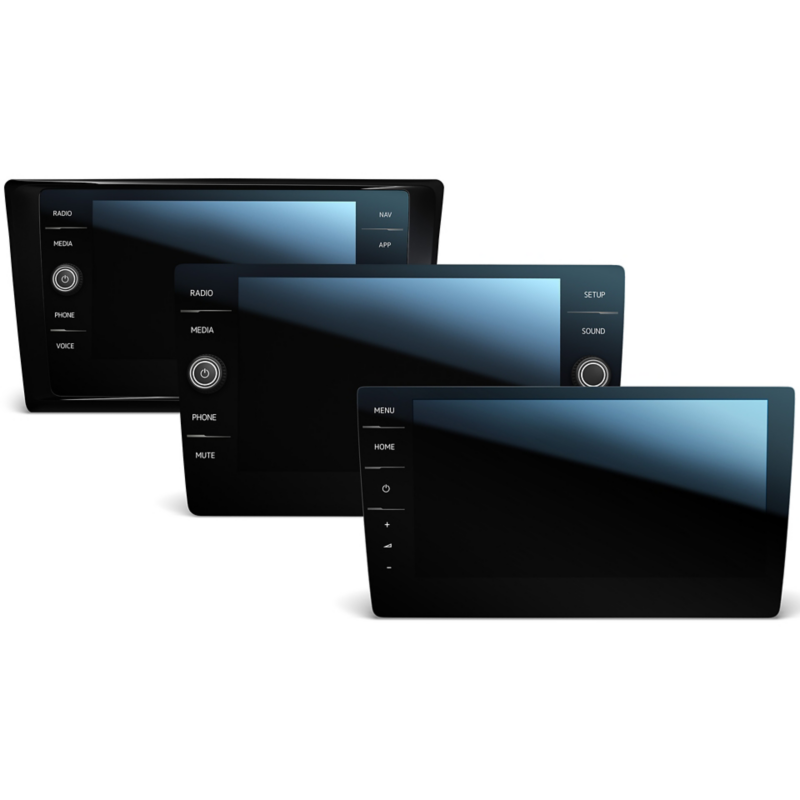
- 1.
Figure shows the new generation of infotainment systems; services are also available under the older generation
To be able to use Guide & Inform Car-Net services, your Volkswagen must have a navigation system. This includes “Discover Media” and “Discover Pro”, as well as Innovision Cockpit, available for the Touareg.
However, for Car-Net’s “Security & Service” service package, you only need the Emergency Call Service, which, like “App-Connect”, you can use without restriction with the “Composition Media” radio.
Together with the “Discover Pro” navigation system, we also recommend the “Business” mobile phone interface, which allows you to set up a Wi-Fi hotspot in your Volkswagen. This way, you and your passengers will benefit from the wide range of Car-Net services.
You can control many services using your smartphone with the Volkswagen app. When combined with the infotainment system, it can also enable the Internet access you need to use Car-Net. In addition, some services require certain technical components in the vehicle. For example, you will need an anti-theft alarm to use the “Online Anti-Theft Alarm” service.
You can obtain various service packages via the Volkswagen app or your own personal myVolkswagen customer area (if you did not already do so when you bought your vehicle), depending on your vehicle. If your vehicle meets the technical requirements, you need a Volkswagen ID user account, which can be set up in a few simple steps.
- ”Discover Media”, “Discover Pro” or “Discover Premium” navigation system
- ”Composition Media” radio system (limited)
- Android™ smartphone or iPhone® with Internet access
- Car-Net service bundle
- Volkswagen ID user account
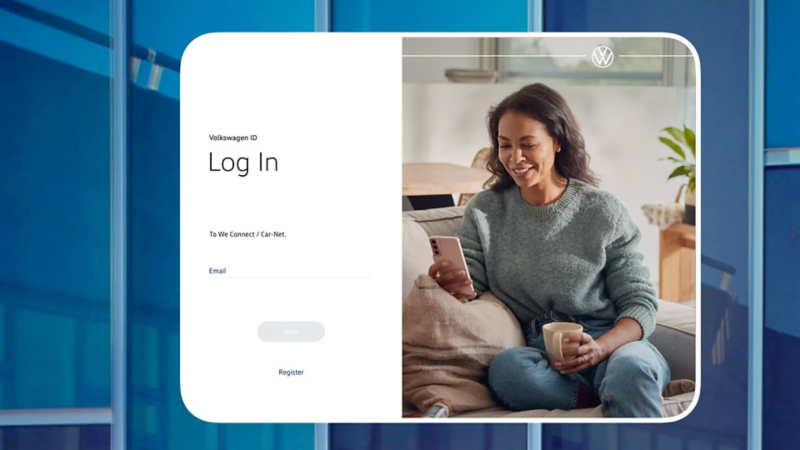
In order to be able to easily use the mobile online services from anywhere, log into the myVolkswagen user area or the Volkswagen app with your Volkswagen ID and register with your vehicle. If you have not yet set up a Volkswagen ID, you will be taken step by step through the registration process.
Use with the Volkswagen app and myVolkswagen

After you have registered, you can access selected functions of the Car-Net services in your myVolkswagen customer area or using the Volkswagen app on your mobile device and control them from there. Download the app here:


